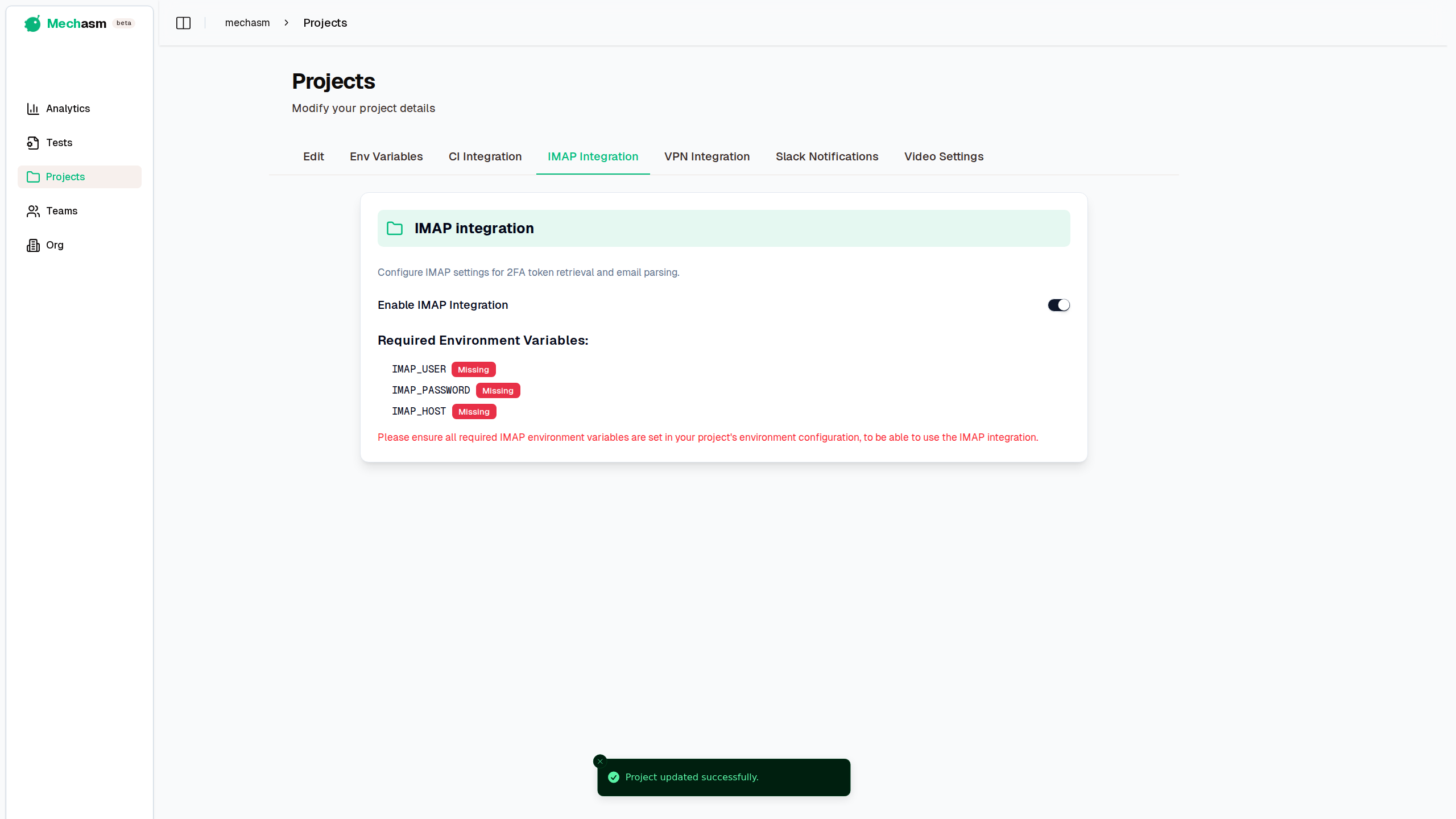
Mechasm supports IMAP integration to facilitate testing scenarios that require email interaction. This is particularly useful for:
- 2FA/OTP Retrieval: Automatically fetching One-Time Passwords sent via email during sign-up or login flows.
Enabling IMAP Integration
To use these features, you must first enable the integration in your project settings:
- Navigate to your Project Settings.
- Select the IMAP Integration tab.
- Toggle the "Enable IMAP Integration" switch.

Configuration
Once enabled, Mechasm requires specific environment variables to connect to your email provider. The settings page will verify if these variables are configured in your project's Env Variables tab.
Required Environment Variables
You must define the following variables:
IMAP_USER: The email address or username for the IMAP account.IMAP_PASSWORD: The password or app-specific password for the account.IMAP_HOST: The IMAP server hostname (e.g.,imap.gmail.com).
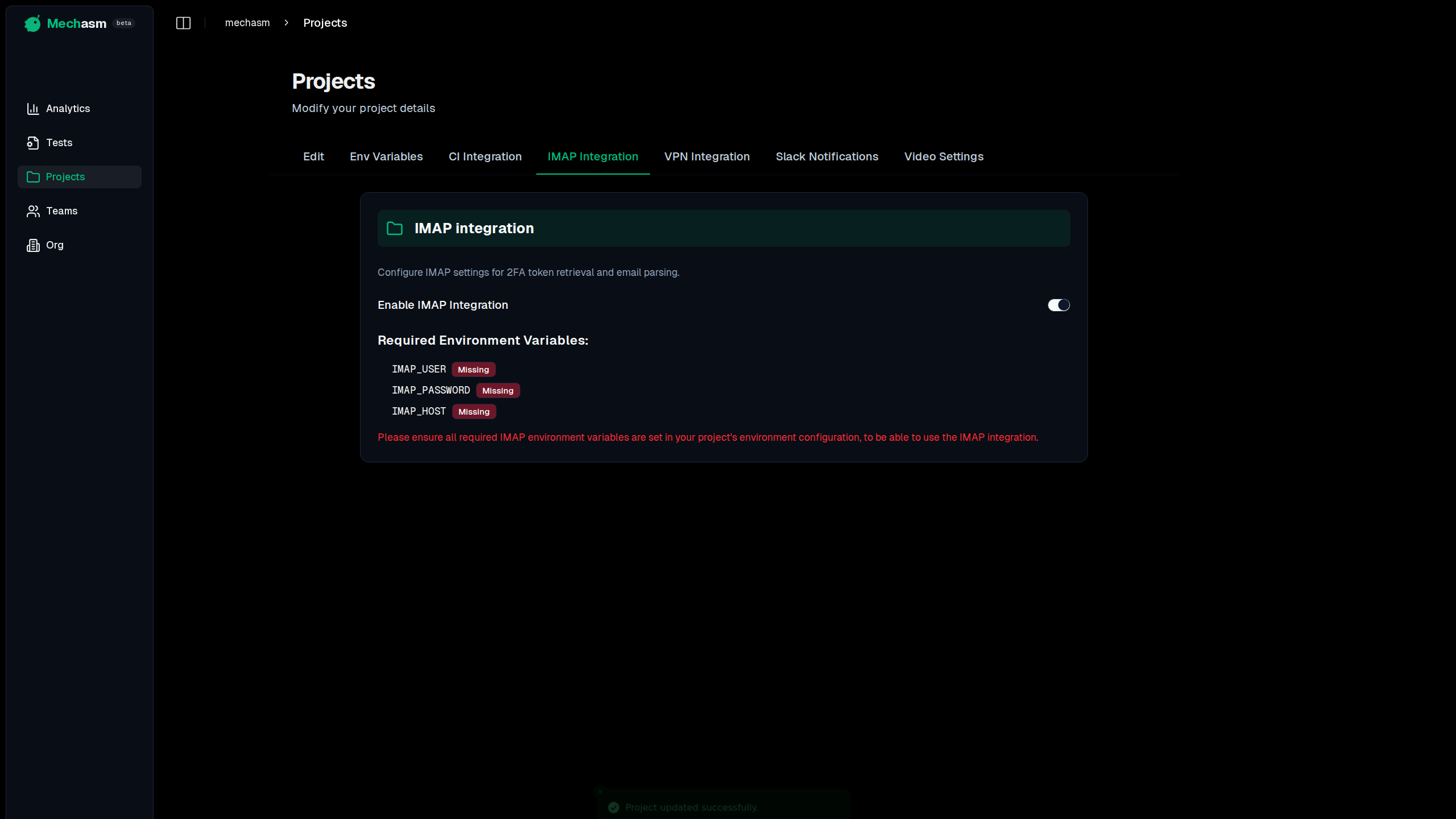
The integration status for each variable will be displayed as either Configured or Missing. Ensure all required variables are set to fully utilize email capabilities in your tests.
Usage in Tests
Once configured, you can use the get2FAToken action in your test prompts to automatically retrieve verification codes.
How it Works
The test runner connects to your configured IMAP server and searches for emails matching specific filters (like sender or subject). It then parses the email body to find authentication tokens using common patterns (e.g., 4-8 digit codes).
Example Prompt
To use this in a test, simply describe the action in your prompt:
"Login with [email protected]. Wait for a 2FA code sent to this email with subject 'Verification Code' and enter it into the OTP field."
Supported Token Patterns
The system automatically detects tokens matching these formats:
- 6-digit codes (e.g.,
123456) - 4-digit codes (e.g.,
1234) - 8-digit codes (e.g.,
12345678) - Labelled codes (e.g.,
code: 123456)
Debugging
If the test fails to find a token, the error message will provide detailed debugging information, including:
- Active search filters
- Number of emails found in the timeframe
- Details of partially matching emails (Subject, From, content preview)
- Whether any tokens were detected but filtered out
This helps you quickly identify if the issue is due to strict filters, email delivery delays, or parsing errors.